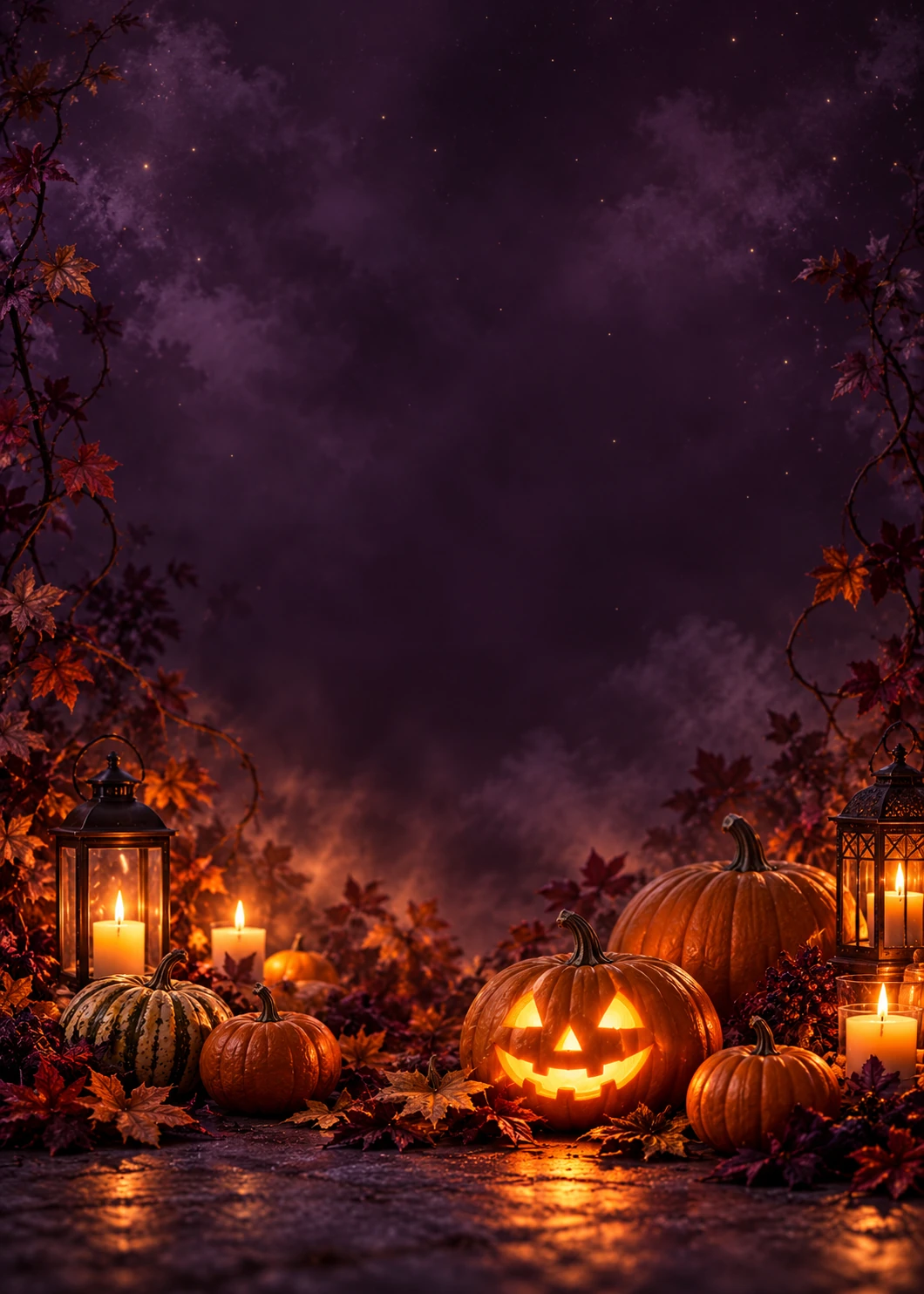
 Happy Halloween
Cards
Pumpkin Glow
No photo needed. Add your own words.
Make it yours
Pick a Halloween card, replace the greeting, recipient and sender, and preview the finished layout. Download PNG or JPG for sharing, or a flat PDF at your selected page size for printing.
6 templates
Happy HalloweenNo photo needed. Add your own words.
Make it yours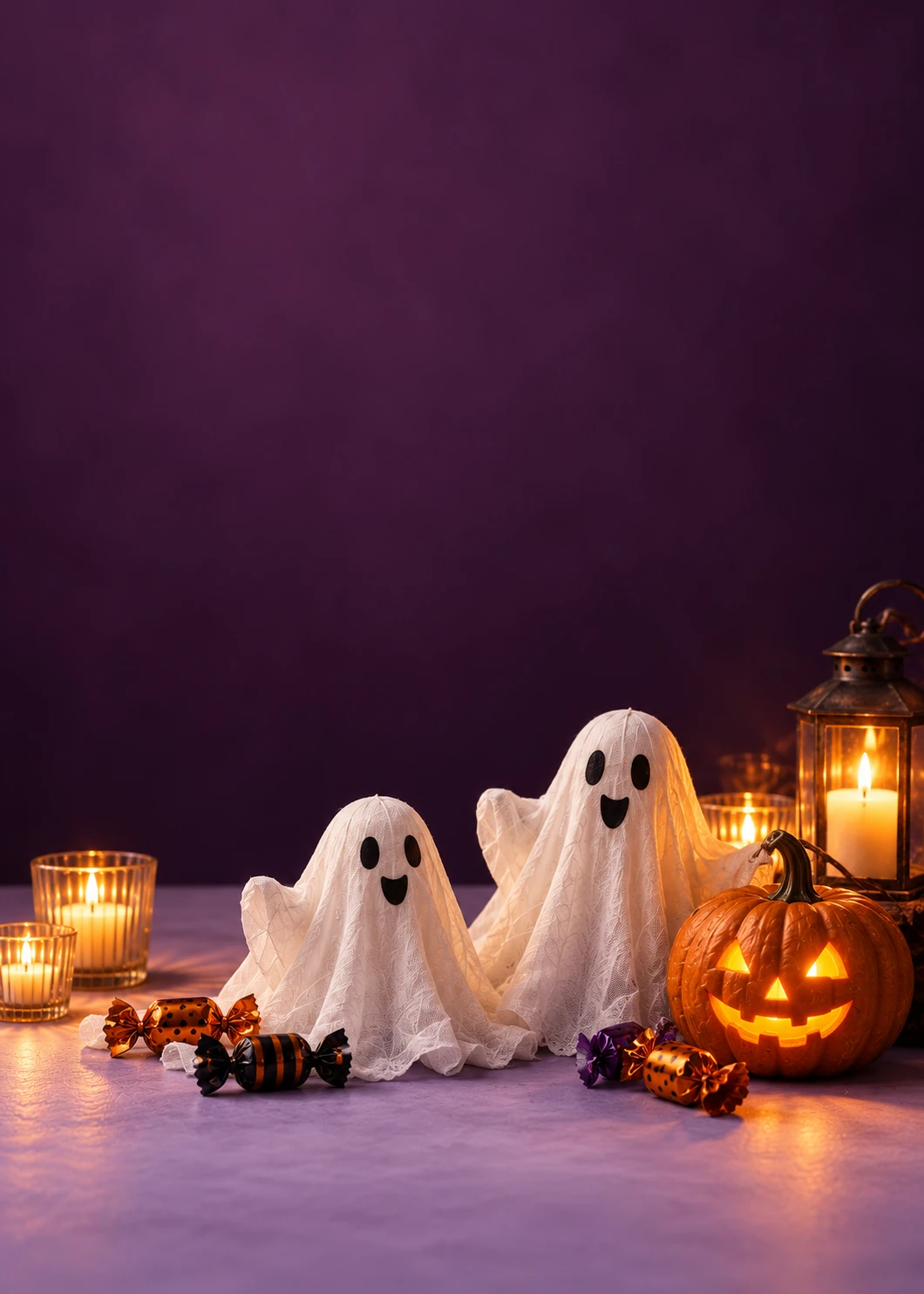 Happy Halloween
No photo needed. Add your own words.
Make it yours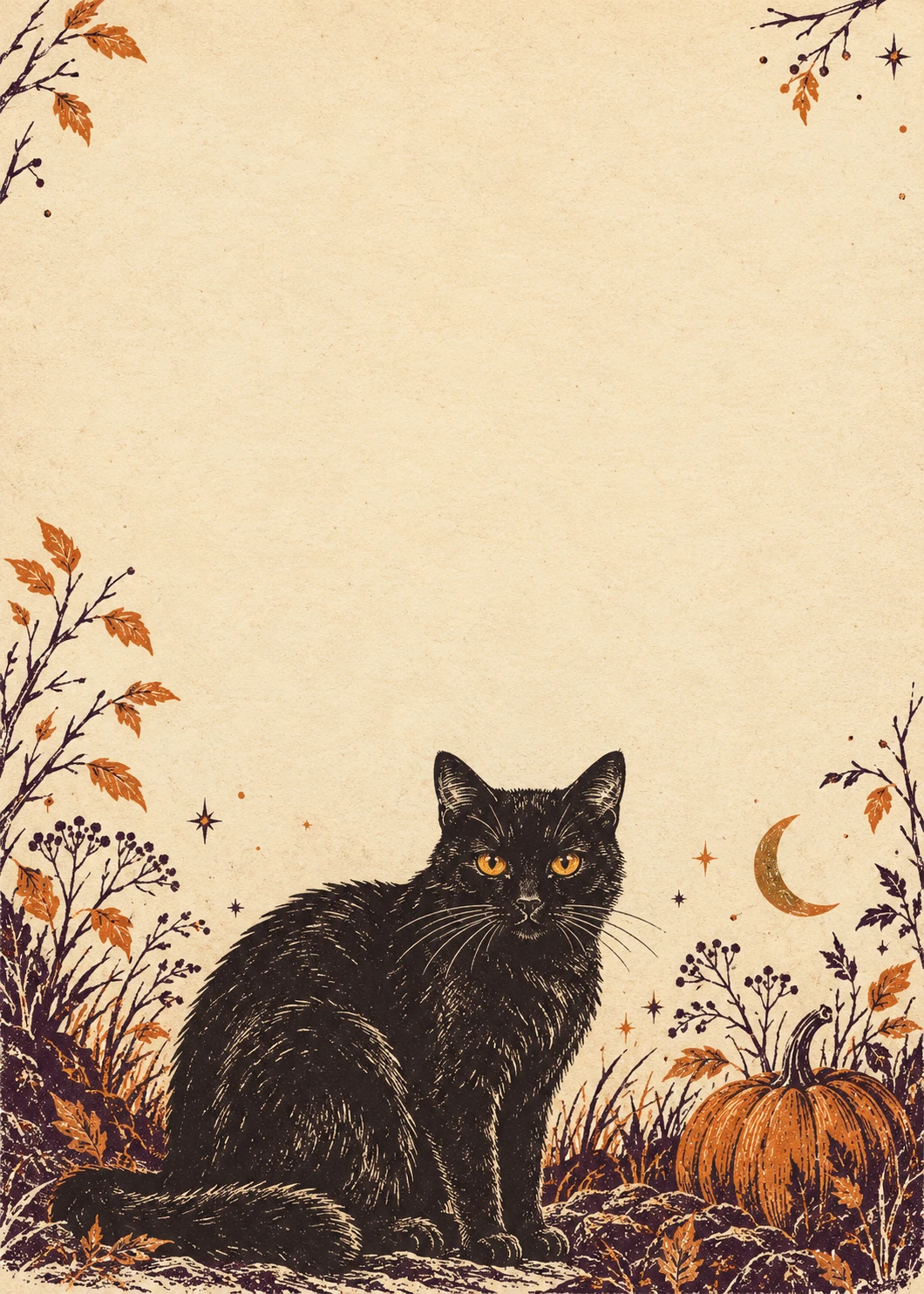 Happy Halloween
No photo needed. Add your own words.
Make it yoursHere for the boos!No photo needed. Add your own words.
Make it yours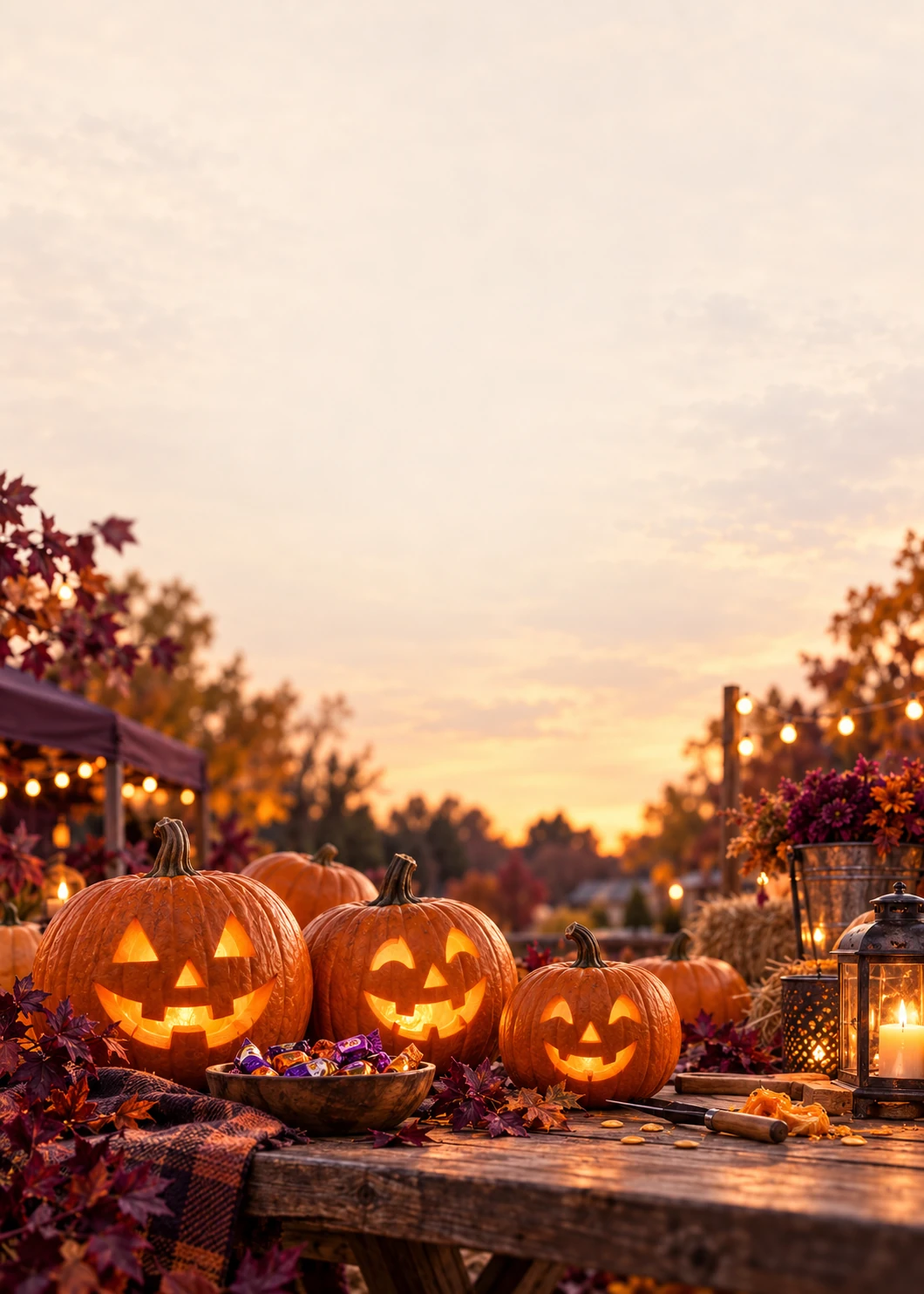 Happy Halloween
Add a family or group photo.
Make it yoursHappy Howl-oween!Add a photo of your dog or cat.
Make it yoursA friend may appreciate a playful line; family may prefer a warmer note. Add a name and one shared detail, then shorten the message if the words feel crowded. The card-message collection has editable starting points.
An uploaded image replaces the design background. Use a pet portrait or family photo with a quiet area for the greeting, and check the crop after changing the output size.
For a phone, try a square or portrait image. For a physical card, select 5 × 7 before arranging the text. This editor exports a flat design; it does not supply a folded interior, print delivery or automatic email sending.
Yes. Edit the recipient, sender and message, then adjust each text layer’s size and position in the studio.
PDF exports use the selected page size. Review a test print first: source artwork is 1060 × 1484 pixels, and a larger export does not add native detail.
Downloads are files you share yourself. Automatic email delivery is not provided.