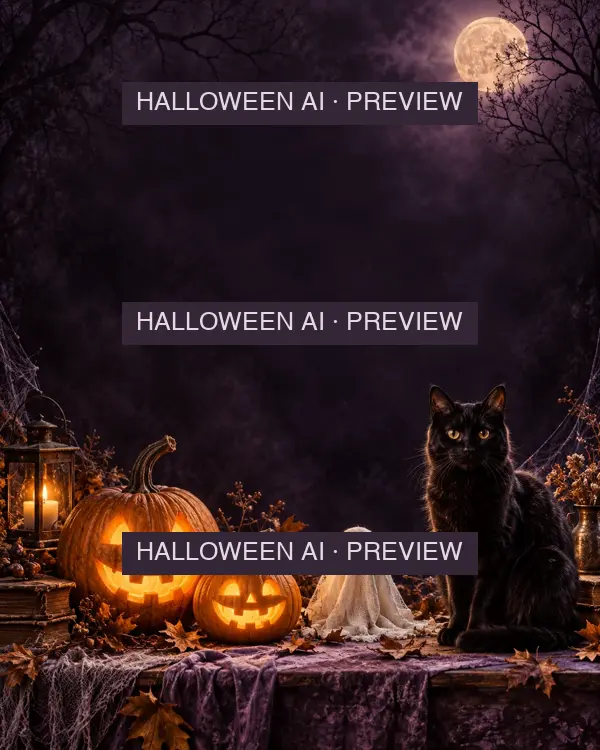
 Costume Party Night
Flyers
Costume Party Night
Add your event details and an optional photo.
Make it yours
Start with a Halloween flyer and make the event name, date, location and response details easy to scan. Choose the final output size before moving text, then export a file for your printer or social channel.
4 templates
Costume Party NightAdd your event details and an optional photo.
Make it yours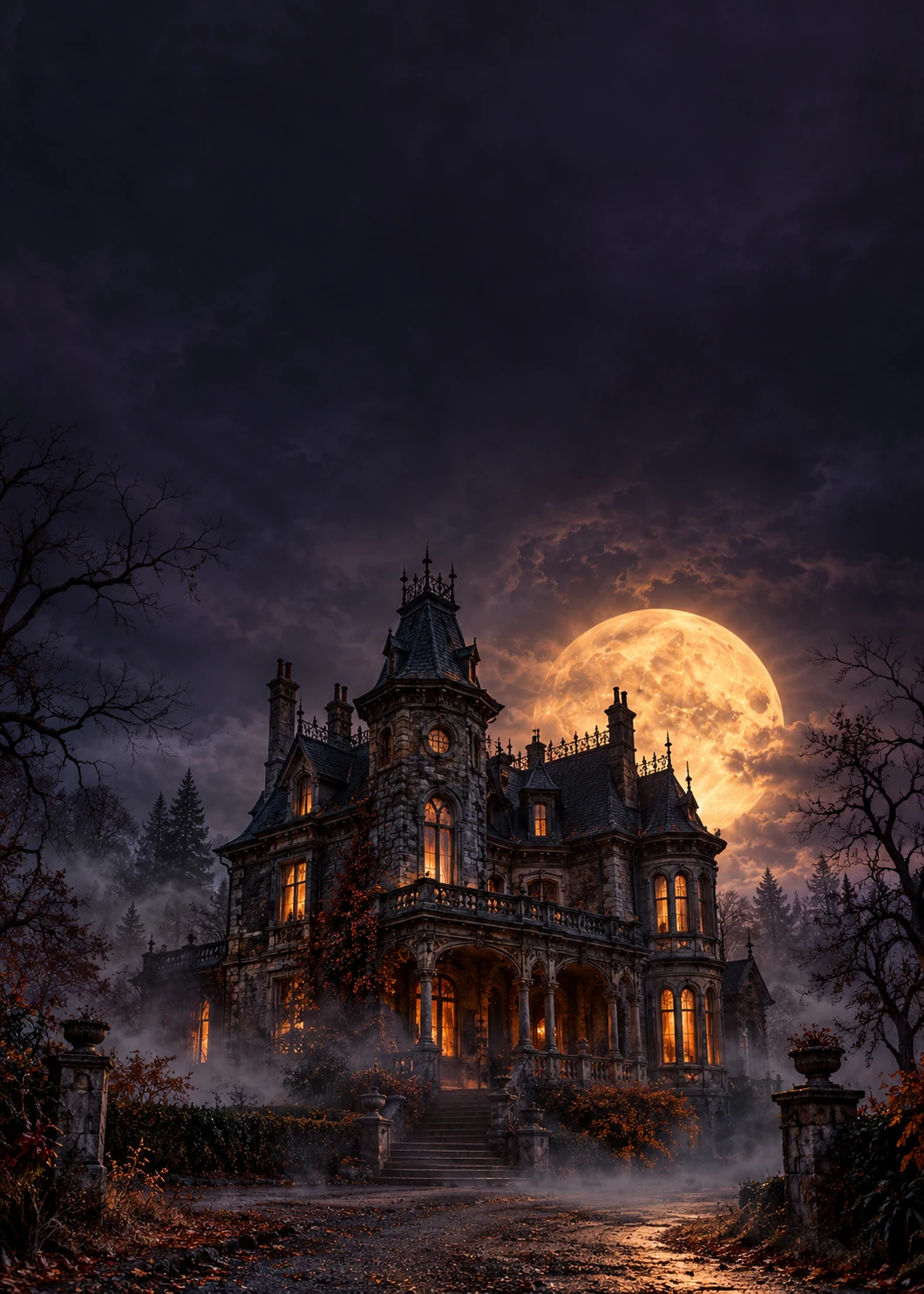 Haunted House Event
Add your event details and an optional photo.
Make it yours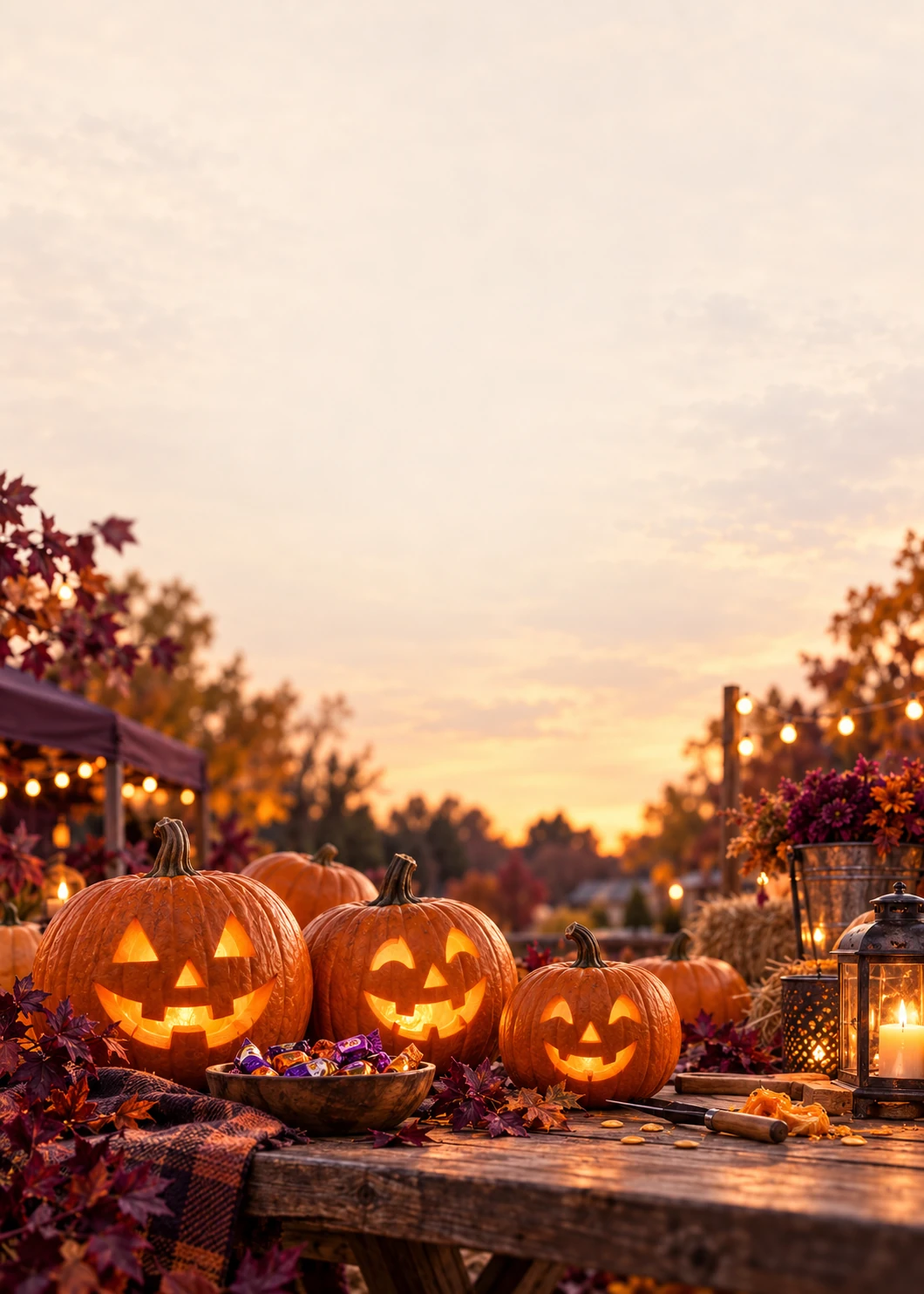 Community Trunk or Treat
Add your event details and an optional photo.
Make it yoursYour Spooky FeatureStart with a portrait and add your title.
Make it yoursA poster on a wall needs a large event name and date. A flyer in a group chat needs short lines readable on a phone. Keep secondary details smaller, but never so small that the address or RSVP disappears.
A4 and Letter are useful page-size options for a noticeboard. Square, portrait and story sizes suit different screens. Changing the shape can crop the background, so inspect all edges and text positions again.
The editor can export a larger canvas, but the original artwork has finite detail. Inspect a proof at the intended size and check with your printer about margins, bleed and production requirements; a flat PDF does not guarantee print-shop readiness.
Yes. Use a flyer starter, choose a page size and edit the event text. Review quality before making a large print.
The PDF is a flat export. Continue editing text in your saved studio project; arrange any printer-specific bleed or production adjustments separately.