Halloween video · Generated sample
Corpse Bride AI: Ghost Bride
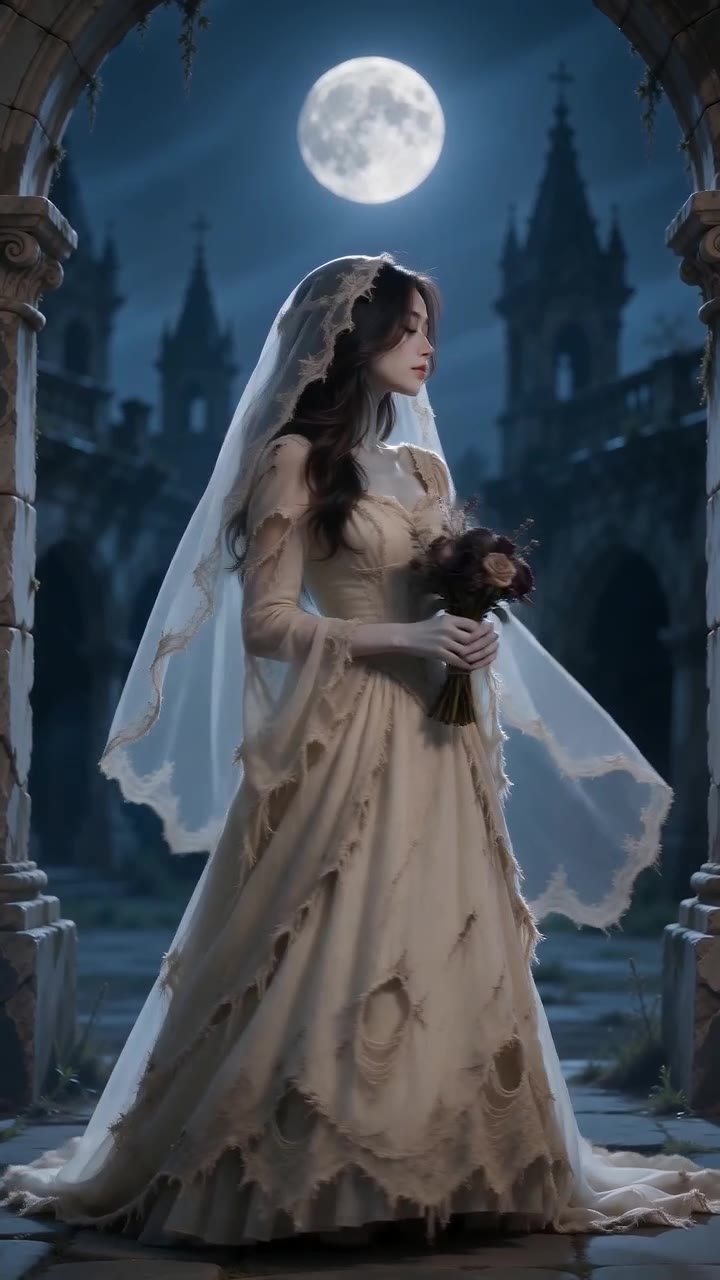
Blue mist reveals a weathered wedding dress, flowing veil and bouquet. The subject turns to show the finished ghost-bride look in this gothic transformation sample.
Watch example
Generated example · Halloween 2026
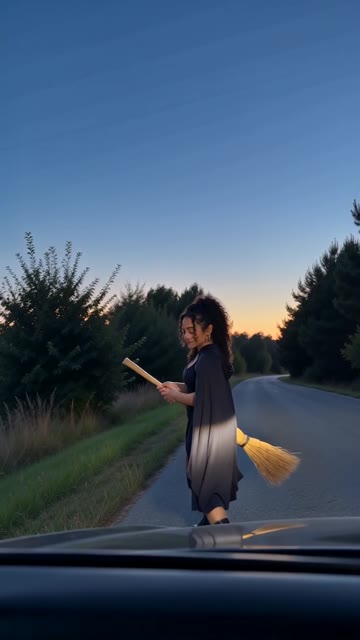
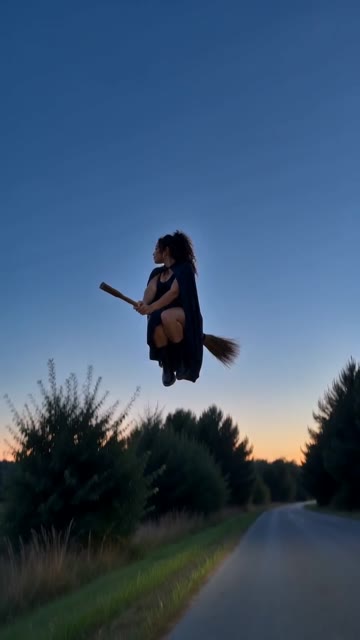
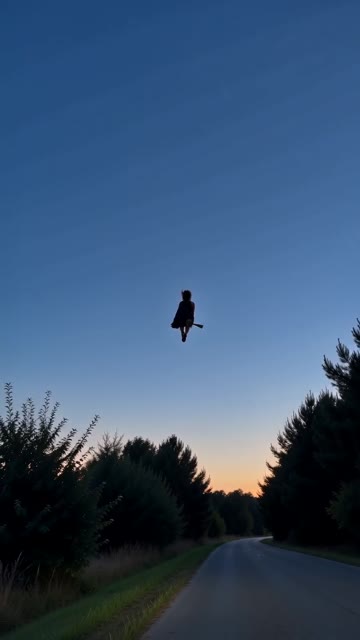
A walk beside a car turns into a broomstick takeoff. The rider lifts off, clears the treetops and flies into the distance in one short Halloween scene.
Watch the examplePreview photos on this device. Sign in to upload and save them to your account.
JPG, PNG or WebP · Up to 12 MB each · At least 300 × 300 px
Length and format follow this template. Audio depends on the template and generated result; a particular song or soundtrack is not included.
Checking generation availability…
Sign in to save photosSign-in opens a new tab. Return here to keep your photo selections.
The rider holds a broom beside a parked car, steps astride it and rises into the air. The camera looks through a windshield before following the departure above the trees. The sample ends with a flight away, rather than a crash.
The concept follows the broom, takeoff and departure. It was generated from scene direction without a motion reference, so the exact camera path and cut timing are not locked.
The sample uses a windshield viewpoint. It does not copy the reference camera shot for shot. This version uses one adult rider in a vertical frame; the camera path can vary.
Still frames taken from the video above. Play the full clip to judge the motion between them.
Choose a reference where the face and outfit are easy to distinguish. A full-body view can help plan proportions around the broom. Leave space around the arms and legs; a tightly cropped selfie alone does not show those details.
Read the AI video photo guide →Choose photos in the form above, sign in and save your draft. Review the credit quote before confirming generation.
Add the photo described in the requirements above. Use a prepared scene when the template needs props or a specific room.
Sign in, save your photos and review the cost for your video. Confirm the quote to spend credits and start generation.
Watch the full result and check the face, hands or paws, props, audio and ending. Download the MP4 when it is ready. You can leave the page and reopen the saved request in My creations.
Preview reference photos and save a draft using the form above. Standard concept videos use 20 credits; Thriller Dance and La Calabaza Dance use 60 credits. Your quote confirms the cost for your saved photos.
Check current pricing and availability →The design studio has editable cards, invitations and six-second design animations. Those animations move artwork and text; they do not generate the scene shown here.
Explore the animated Halloween greeting →It flies above the trees and away. A crash ending is not part of the sample shown here.
No. This is a concept-based generation. The model chose a windshield viewpoint and its own timing.
No. Upload a clear adult photo. The template supplies the broom-flight scene and action.
Choose reference photos, sign in, save your draft and review a generation quote. Confirm the quote to spend credits. The form shows current availability and saves your request so it can be reopened.
Standard concept videos use 20 credits; Thriller Dance and La Calabaza Dance use 60 credits. Review your quote before confirming. Buy one-time credit packs on the pricing page.
Blue mist reveals a weathered wedding dress, flowing veil and bouquet. The subject turns to show the finished ghost-bride look in this gothic transformation sample.
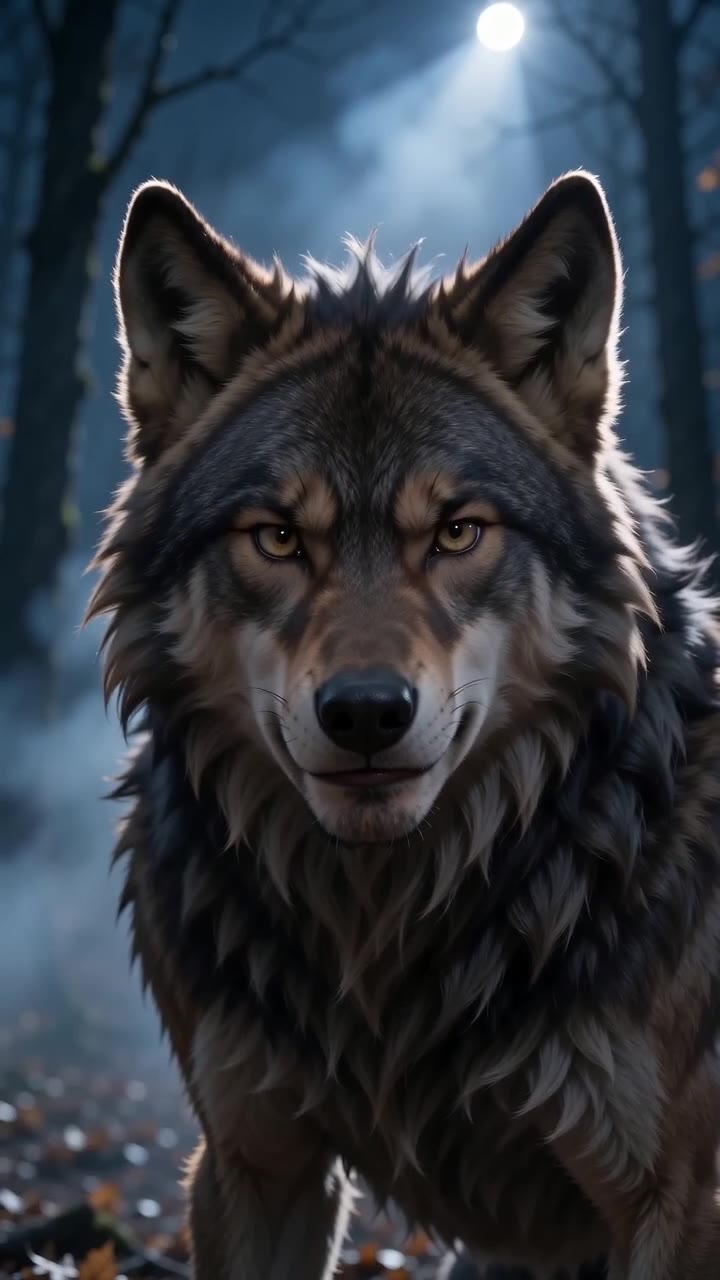
Watch exampleA human portrait changes through wolf ears, a growing muzzle and fur before a final howl. Watch the ending closely: this sample becomes more wolf-like than a human-shaped werewolf.
Watch exampleAll Halloween video examples · Día de Muertos & remembrance videos · Adding music to a silent video